Welcome
What Tellus is, how to sign in, the four portals around it, and where to go next in this manual.
Tellus is a Governance, Risk & Compliance (GRC) workspace. It replaces the spreadsheets, shared drives, and email threads a compliance program usually runs on with one system: the regulatory frameworks you follow, the controls that prove you meet them, the evidence mapped to those controls, your risk register and mitigating actions, incidents (including regulator notifications), supplier and third-party risk, reported vulnerabilities, protected assets, and the reports you hand to auditors, leadership, or regulators. It is built for the two moments where the spreadsheet approach fails: the week before an audit, and the 24-hour reporting window after a security incident.
This manual covers the main Tellus app — the authenticated workspace your compliance, security, and risk teams use every day. It walks through each area one section at a time, with the real status names, sort orders, and behaviors, so both new and experienced users always know what a given screen actually does.
Signing in
- Open your browser and go to your Tellus URL (for example, https://tellus.application.alxias.se).
- Enter the email and password your company set up for you, then click Login. If you have forgotten your password, use the Forgot your password? link on the same screen.
- If your account belongs to more than one company, you are taken to a company picker (
/select-company) to choose which one to work in. Otherwise you go straight to your home screen.
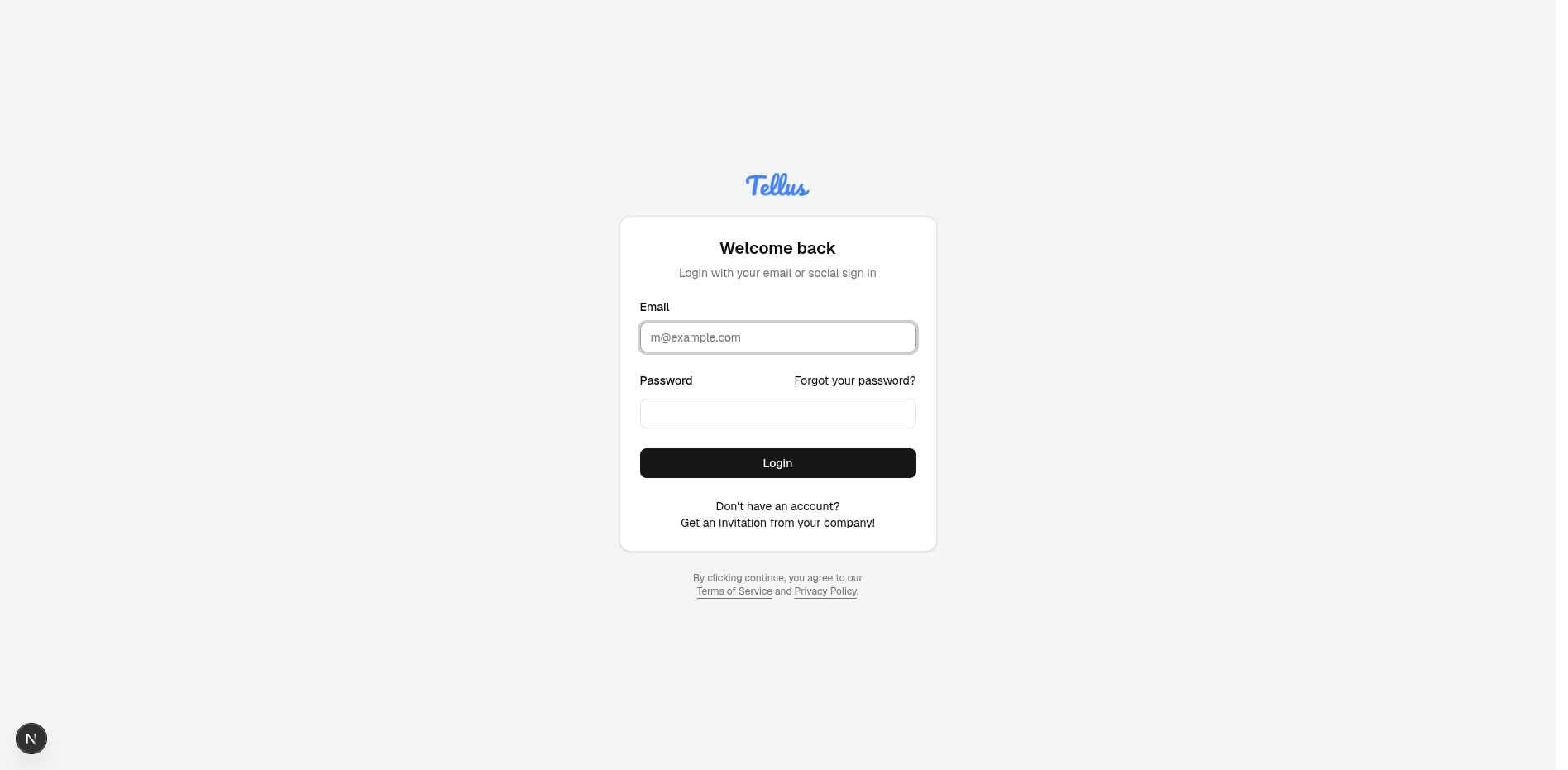
There is no self-serve sign-up. New companies are onboarded by the Tellus platform team, who issue an invitation by email. Existing companies add people through the Team invite flow (see Team & Company Settings). If you do not have an account yet, ask your company administrator to invite you — you cannot create one from a marketing page.
Where you land
Your home screen depends on your access:
- Users with company-level read access land on the Dashboard (
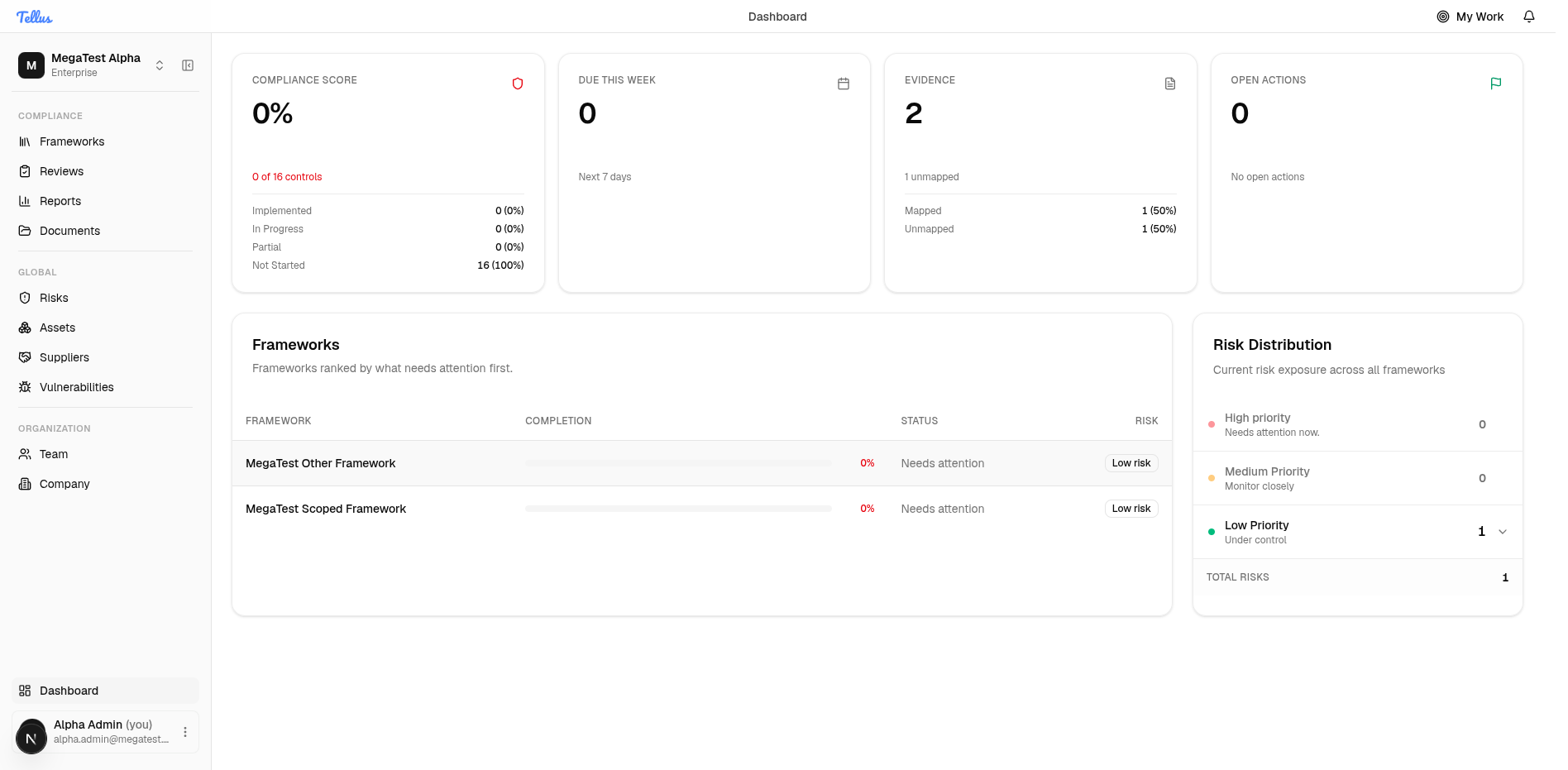
/) — summary cards, a frameworks overview, and a risk distribution panel. - Users who only hold framework- or resource-scoped access (a plain Company Member) are sent to Frameworks (
/frameworks) instead, because they have no dashboard to see.
From there the left sidebar reaches most areas. My Work and Notifications sit in the top header bar. Some areas — notably Risks, Incidents, and Reports — only appear in the sidebar once you actually have access to them or there is data to show; Tellus asks the backend (/dashboard/nav-visibility) which of these you can reach, because finer-than-company access can't be decided from your company permissions alone.
How Tellus is organized
One deployment, many companies
Tellus is multi-tenant. A single deployment hosts many separate customer companies, each fully isolated — the backend always scopes data to the company in your sign-in token and never trusts a company ID sent from the browser. A single person can belong to more than one company and switch between them at any time via the company switcher (/select-company); data never crosses between them.
Who can see and do what
Access is a hybrid of named roles and per-resource ownership:
| Role | What it grants |
|---|---|
| Company Owner / Company Admin | Full access across every module in the company. |
| Company Auditor | Read-only across the company. |
| Framework Editor / Contributor | Operational access within a specific framework. |
| Framework Viewer | Read-only within a specific framework. |
| Company Member | Baseline; no dashboard, lands on Frameworks. |
On top of roles, ownership relations grant scoped access to a single item without making someone an admin — being the owner of a control, the owner of a risk or action, or the reporter/assignee of an incident gives you full access to just that record. This is why two people with the same role can see different things: ownership widens what each can reach. See Team & Company Settings for assigning roles and framework grants.
The portals around the main app
Several public-facing portals sit alongside the main app, sharing one backend. You manage their content from inside Tellus; outside parties use the portals without a Tellus account.
| Portal | Who uses it | How they sign in |
|---|---|---|
| Main app | Your compliance, security, and risk teams | Email + password |
| Supplier portal | A supplier you've sent a questionnaire to | Email one-time code (no account) |
| CVD portal | Security researchers reporting a vulnerability | Public; email one-time code to track a report |
| Trust portal | Anyone — prospects, customers, regulators | Public; no login |
The supplier portal lets a vendor answer your security questionnaires and upload requested evidence (managed from Suppliers). The CVD portal is where outside researchers report weaknesses under your Coordinated Vulnerability Disclosure policy (triaged in Vulnerabilities). The Trust portal is a public page where you publish certifications, frameworks, and security posture so people can self-serve instead of emailing you PDFs.
The public Trust portal is a different thing from a supplier's Trust Score (the 0–100 score Tellus computes for vendors in the Suppliers module). They share a word, not a feature.
What's solid, and what's newer
Frameworks, controls, and evidence are the stable core. ISO 27001:2022 ships fully seeded; SOC 2 is scaffolded; you can also build custom frameworks. NIS2 and GDPR are not standalone frameworks today — they appear only inside incident notification-deadline tracking. AI assistance (control-assessment suggestions and risk-action drafts) runs in the background and always asks a human to confirm; treat it, along with CVD and the Trust portal, as newer and evolving.
Contents
Getting Started
Sign in, read the Dashboard, and find your way around the sidebar, account menu, notifications, and company switcher.
Frameworks & Controls
Open a framework, drill into controls, assign owners, set assessment status, and attach evidence.
Risks
The company risk register: score each risk on the exposure matrix, own it, schedule reviews, and link related records.
Incidents
Log security and operational events from detection through triage, tasks, regulator notifications, and resolution.
Documents & Evidence
The central library for policies, procedures, and the files that prove your controls work.
Reviews
Your owned risks and controls with a scheduled review date, soonest due first.
Reports
Generate, preview, and download framework or company-wide reports for auditors, leadership, or regulators.
Suppliers
The third-party vendor register: criticality, status, reviews, questionnaires, findings, and Trust Score.
Vulnerabilities
The Coordinated Vulnerability Disclosure workspace for triaging and tracking reported weaknesses.
Assets
Your inventory of everything worth protecting: type, criticality, owner, classification, and linked records.
My Work
Your personal hub, gathering every obligation assigned to you and ranking it by urgency.
Team & Company Settings
Manage who belongs to the company, assign roles and framework grants, and configure the company profile.
New to Tellus? Start with Getting Started, then open My Work to see what's assigned to you.